
Leadstor LogoLeadstor
Training Institute CRM

Training Institute CRM

Organise training enquiries, student follow-up, batches, and revenue workflows in one place.

Book a Demo
  • Enquiries and course demand in one place
  • Batch planning without spreadsheets
  • Fees and receipts linked to the student
  • Outcome tracking after the course
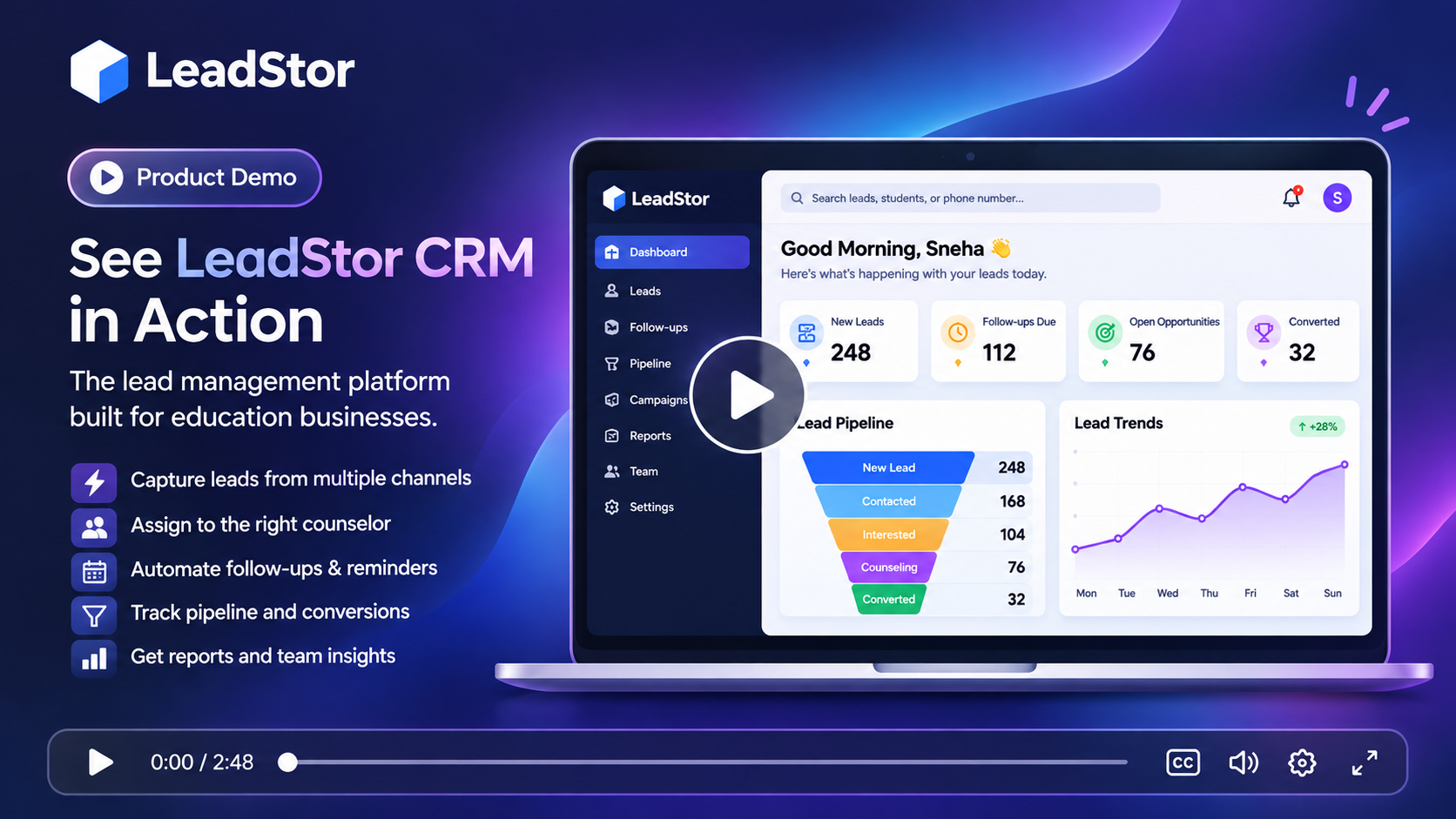
LeadStor dashboard showing training enquiries, batches, and fee records

The problem

What slows this team down today

These are the recurring issues teams describe before they move their enquiry workflow into one system.

1

Course demand is hard to read

A training institute often runs several courses at once. When enquiries sit in different inboxes, it is difficult to see which course is filling up and which needs promotion.

2

Batch planning happens at the last minute

Without a shared view of confirmed students, batches are arranged near the start date. Trainers and rooms then get allocated in a rush, and some batches end up too small.

3

Sales and delivery do not share context

What a student asked about during enquiry, such as timing or prerequisite, is useful to the trainer. That detail is often lost between the sales call and the first class.

The approach

How LeadStor addresses it

LeadStor keeps capture, routing, follow-up, and operations in a single platform so the same record is used from first enquiry onwards.

Source and conversion reporting

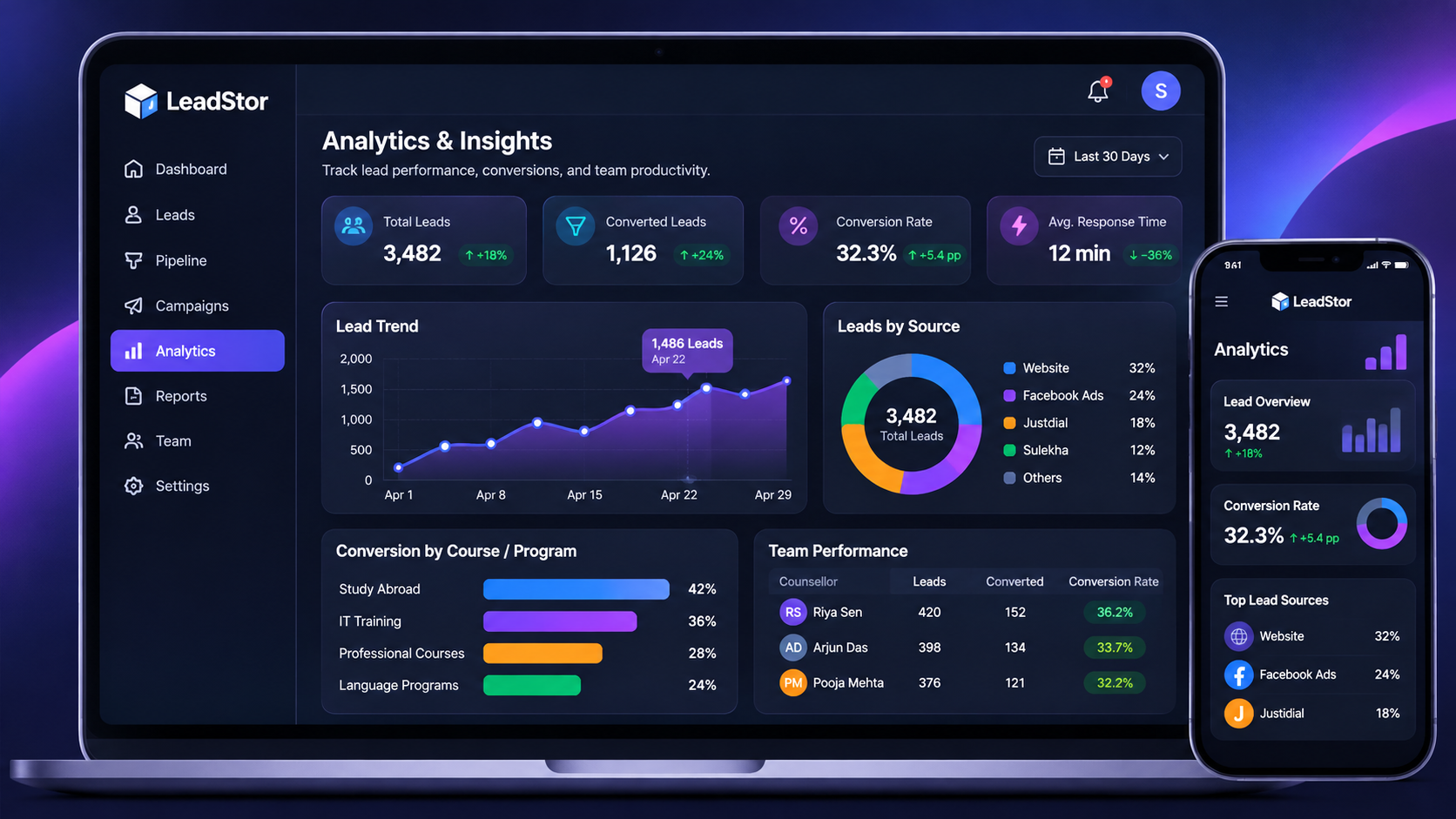
Managers can review activity, source performance, and conversion progress from the same platform that the team works in every day.

LeadStor analytics dashboard showing lead source and conversion reporting
01

Group enquiries by course

Because every lead records its source and interest, managers can see demand per course rather than only total enquiry volume.

02

Plan batches with real numbers

Batch management uses the same student records, so planning starts from confirmed admissions instead of a separate estimate.

03

Carry enquiry context into delivery

Notes from the sales conversation stay on the student record and can be reviewed when the batch begins.

Step 1

See demand per course and channel

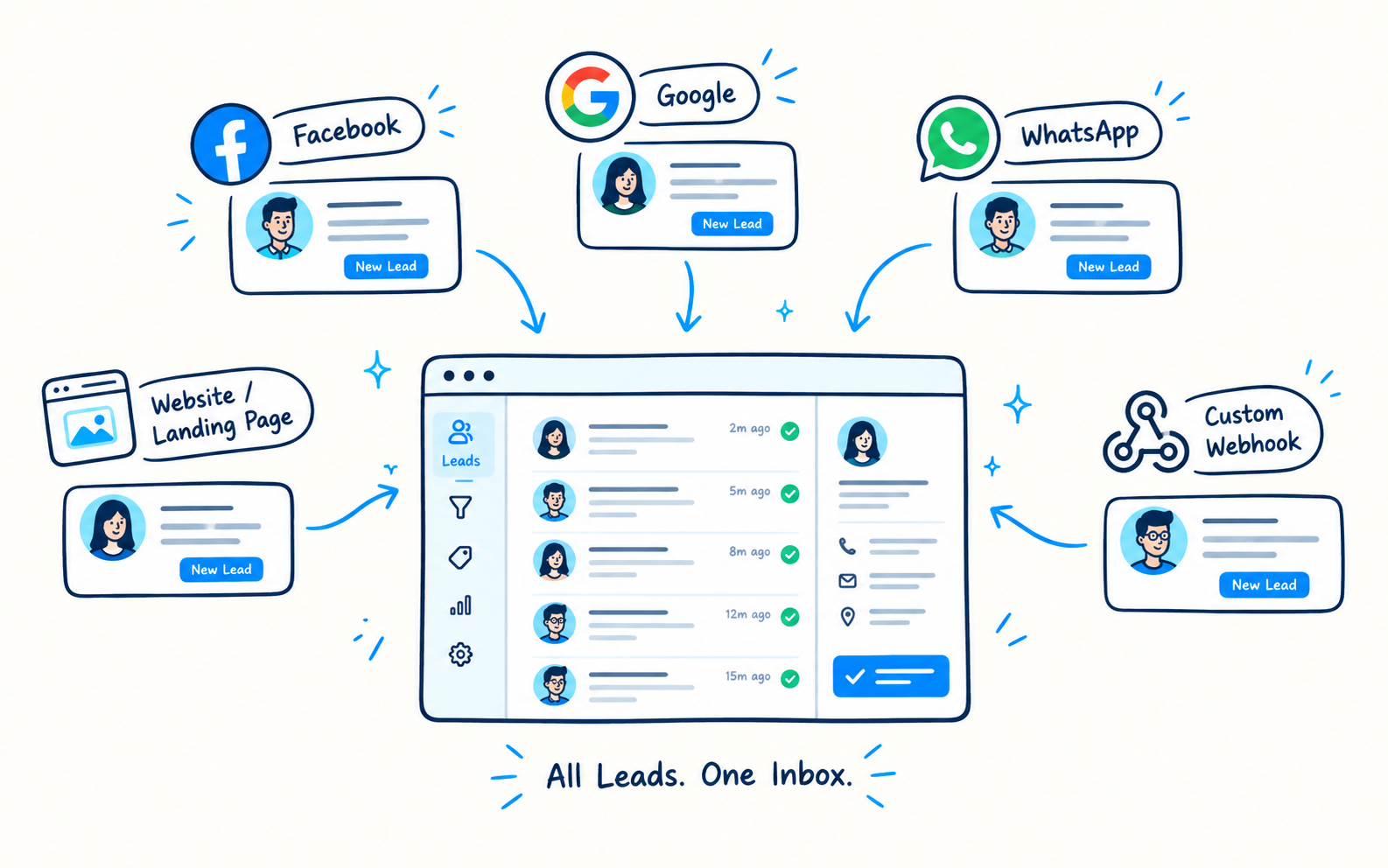
LeadStor captures enquiries from forms, ads, chat, and webhooks into one pipeline. Filtering by course interest shows which programmes are attracting attention this month.

  • One pipeline for every enquiry source
  • Course interest kept on the record
  • Duplicate blocking for cleaner counts
Training enquiry pipeline grouped by course interest
Step 2

Turn confirmed students into planned batches

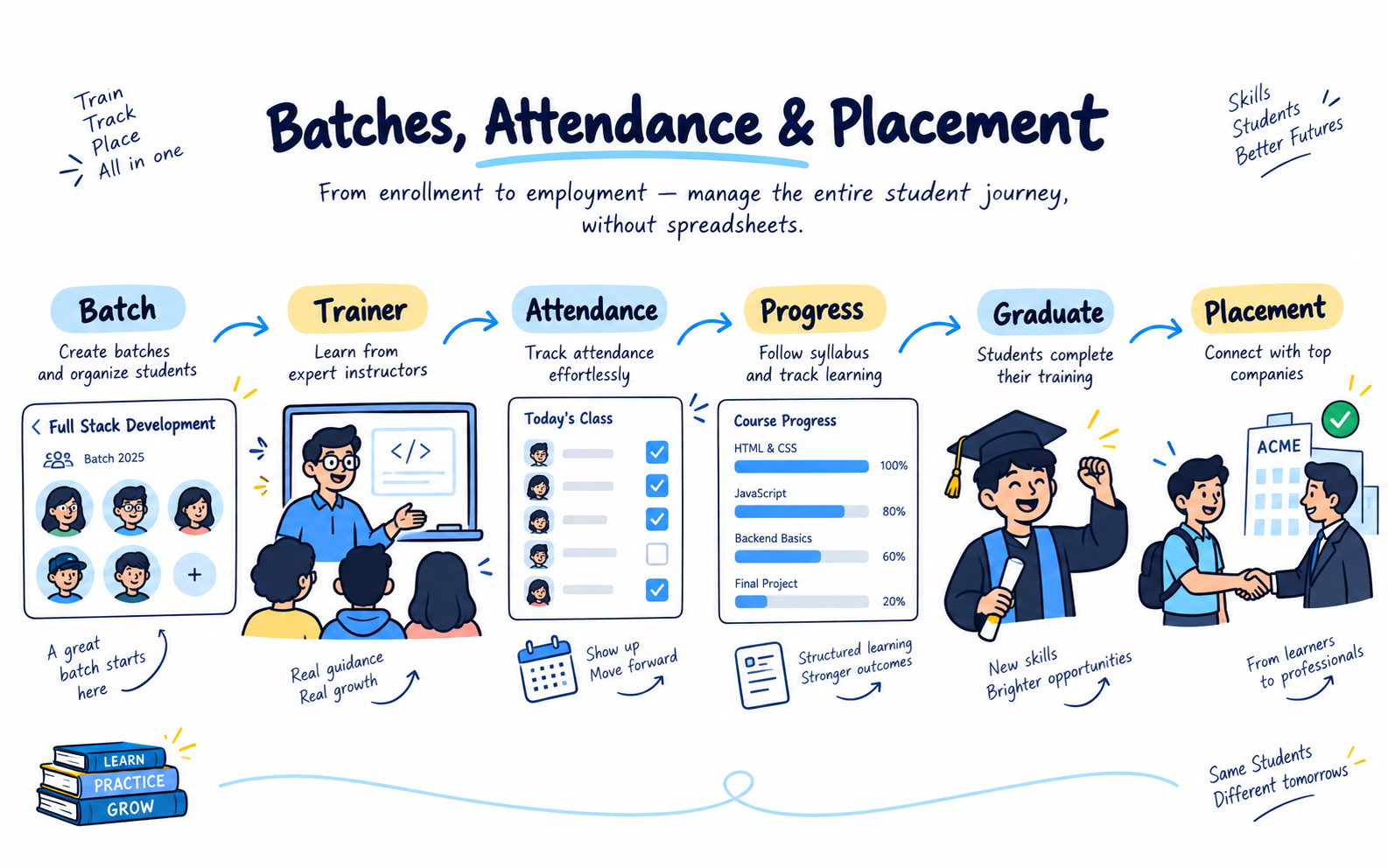
Batch management handles scheduling, trainer assignment, and attendance. Because it reads from the same student records, planning reflects real admissions rather than an estimate.

  • Batch scheduling and trainer assignment
  • Attendance tracking per batch
  • Student progress during the course
Batch planning screen with trainer assignment
Step 3

Keep fee work close to the student record

Instalments, reminders, and receipts live with the student, so the accounts view matches the batch roster. Payment reports help review collection against each course.

  • Instalment tracking and reminders
  • Automated receipts
  • Payment and revenue reporting
Fee collection and reporting screen for a training institute

The workflow

How an enquiry moves through LeadStor

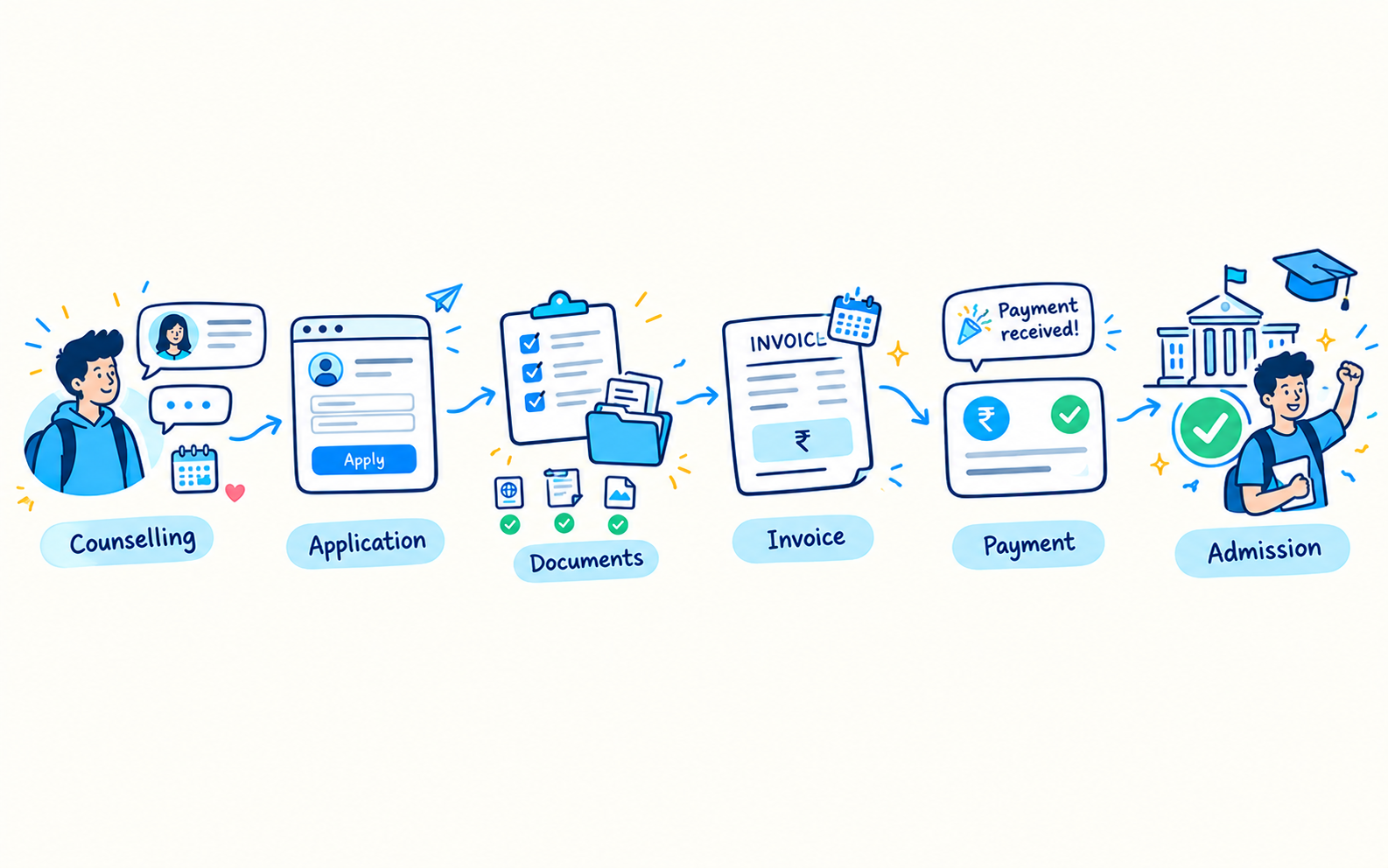
  1. 1

    Course enquiry arrives

    The lead is captured with its source and the course the student is interested in.

  2. 2

    Counsellor follows up

    Reminders keep the conversation moving while the student compares options.

  3. 3

    Enrolment and payment

    The student confirms, an instalment plan is recorded, and a receipt is generated.

  4. 4

    Batch and delivery

    The student joins a batch, attendance is tracked, and progress is visible.

Outcomes

What changes for the team

Better course planning

Demand per course becomes visible while the campaign is still running.

Less last-minute scheduling

Batch planning starts from confirmed numbers rather than guesswork.

Consistent fee follow-up

Reminders and receipts reduce manual collection work.

Cleaner handover to trainers

Enquiry notes travel with the student into the batch.

Common use cases

  • Institutes running several courses with different start dates
  • Teams that plan batches from confirmed admissions
  • Operations staff who need attendance and fee data in one place
  • Owners comparing course performance across channels

Training institutes need a CRM that can support both sales and operations. LeadStor is useful when you want to keep enquiries moving, then move students into batches, payments, and progress tracking.

What this CRM should do

A training team needs clear lead handling, quick routing, and a way to keep every action visible. It also needs a path for the student after conversion, because the work does not stop at the first payment.

LeadStor already shows lead management, payment management, batch management, and placement tracking in the product data.

Common training workflows

  • Course enquiry comes in from a form or ad.
  • The lead is assigned to the right counselor.
  • The team follows up and records the next step.
  • The student is added to the right batch.
  • Fees and receipts stay linked to the same record.

Short answer

A training institute CRM should keep the customer journey connected from enquiry to class delivery.

FAQ

Training Institute CRM questions

Can LeadStor show which course is generating the most enquiries?
Yes. Because each lead keeps its source and the interest recorded at enquiry, reporting can be grouped by course so demand is visible per programme.
How does batch management relate to lead records?
Batch management reads from the same student records, so planning is based on confirmed admissions instead of a separate list.
Are attendance and fees tracked for the same student?
Both are part of the platform. Attendance is recorded per batch, and fee instalments, reminders, and receipts stay on the student record.
Does the platform support outcome tracking after training?
Placement and student progress tracking are available, so institutes can review what happened after the course ended.

Plan smarter batches with LeadStor

We will show how confirmed admissions can drive batch planning while fees and attendance stay in the same system.