
Leadstor LogoLeadstor
Coaching Institute CRM

Coaching Institute CRM

Handle coaching institute leads, counselor follow-up, fees, batches, and student activity in one workflow.

Book a Demo
  • Enquiry to admission in one flow
  • Batches, trainers, and attendance connected
  • Fee instalments and receipts automated
  • Student progress after admission
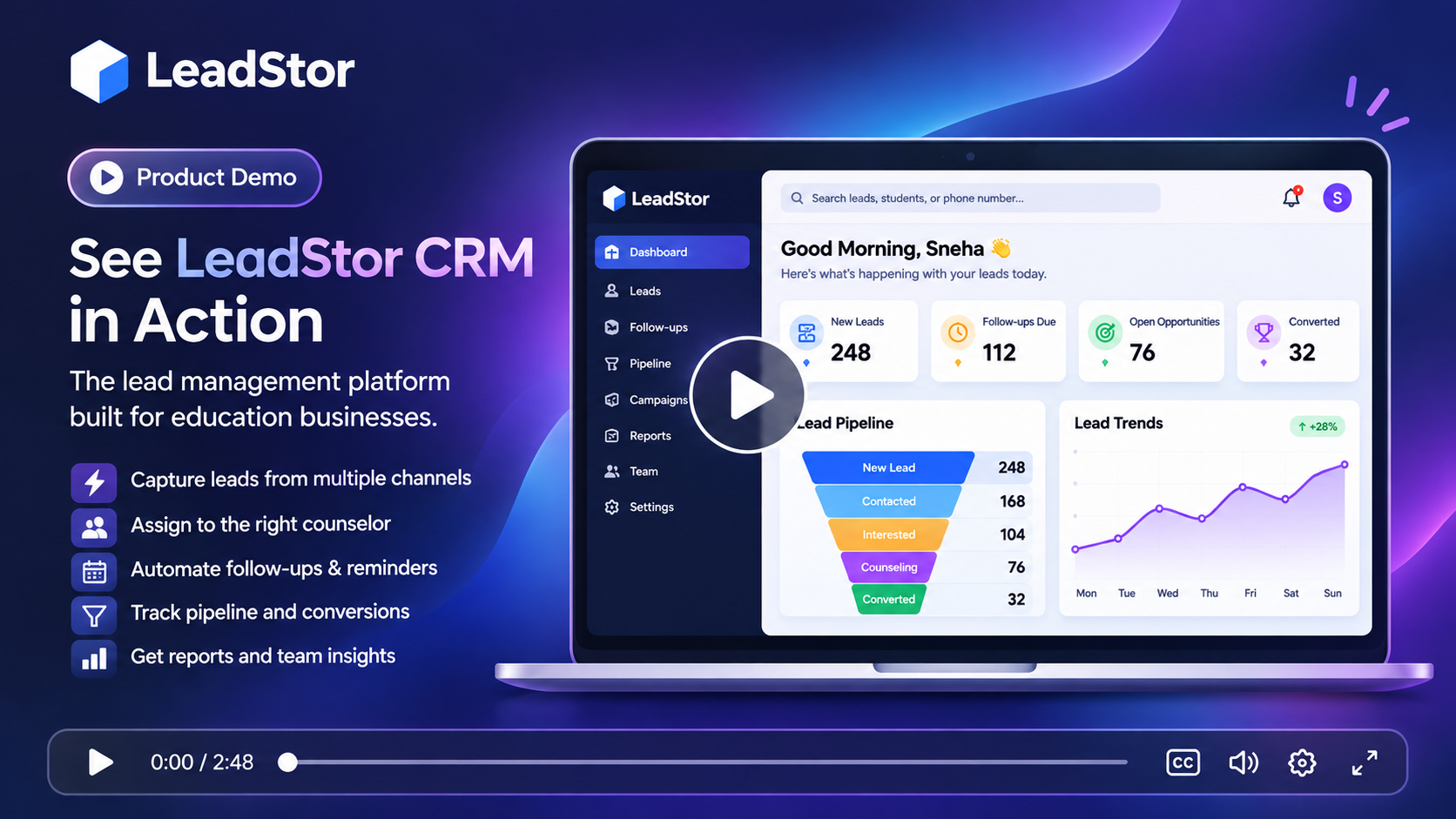
LeadStor dashboard showing coaching admissions, batches, and fee tracking

The problem

What slows this team down today

These are the recurring issues teams describe before they move their enquiry workflow into one system.

1

Admissions and academics use different systems

Admission staff track enquiries in one place and the academic team tracks batches somewhere else. After a student pays, the details are copied again, which wastes time and invites errors.

2

Fee follow-up is manual

Instalments, reminders, and receipts are often handled over calls and messages. When the volume grows, families get inconsistent reminders and the accounts team loses visibility.

3

Batch changes are hard to see

Students move between batches, request a change of timing, or pause for a term. Without a shared record, attendance and fee status can drift out of sync.

The approach

How LeadStor addresses it

LeadStor keeps capture, routing, follow-up, and operations in a single platform so the same record is used from first enquiry onwards.

Source and conversion reporting

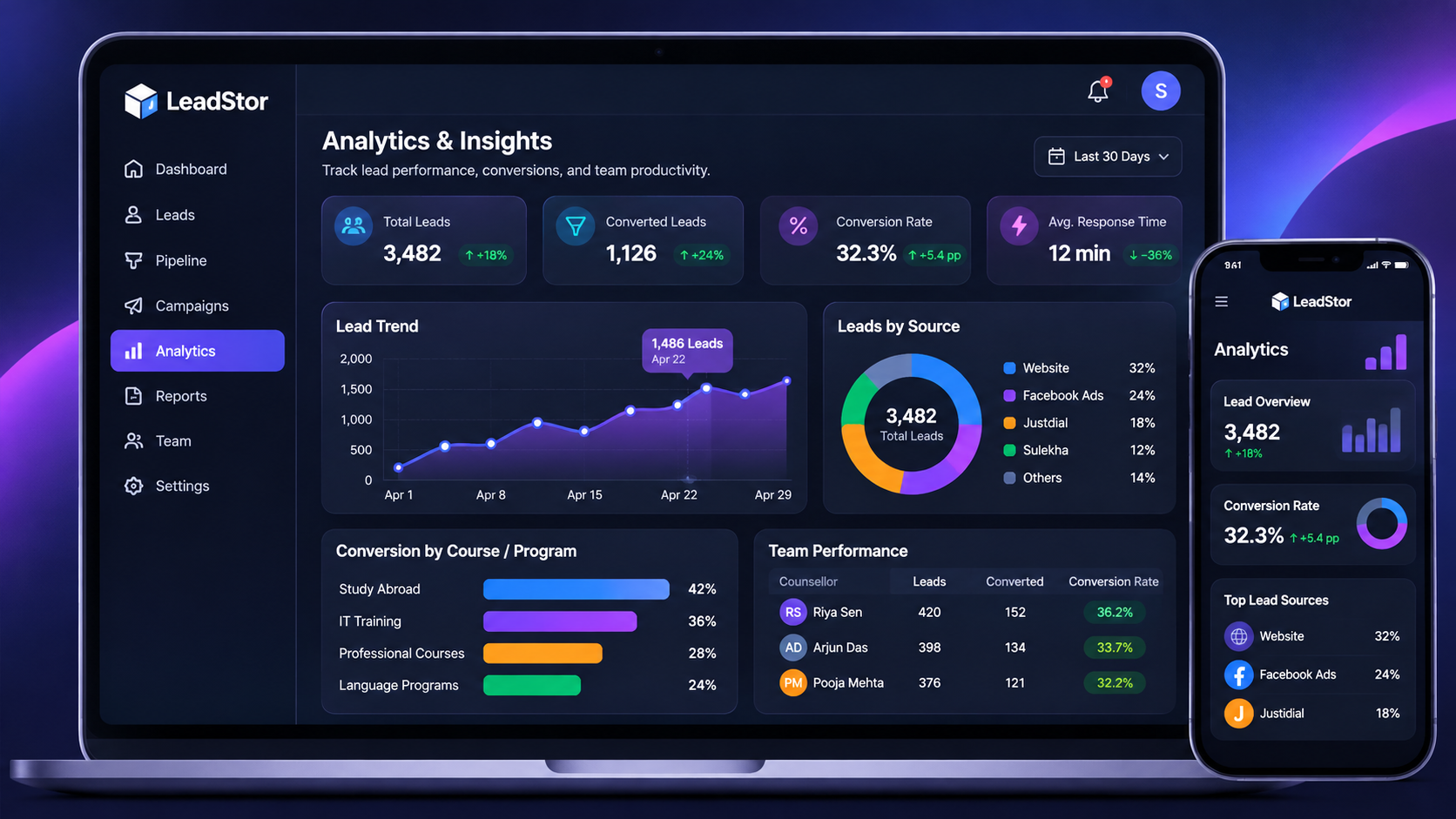
Managers can review activity, source performance, and conversion progress from the same platform that the team works in every day.

LeadStor analytics dashboard showing lead source and conversion reporting
01

Follow the student beyond admission

The record that starts as an enquiry continues through fees, batches, and attendance, so information is entered once.

02

Make fee follow-up predictable

Instalment tracking, payment reminders, and automated receipts reduce the manual calls the accounts team has to make.

03

Keep batch information accurate

Batch management and attendance live beside the student record, which helps the academic team trust what they see.

Step 1

Run the admission conversation from one pipeline

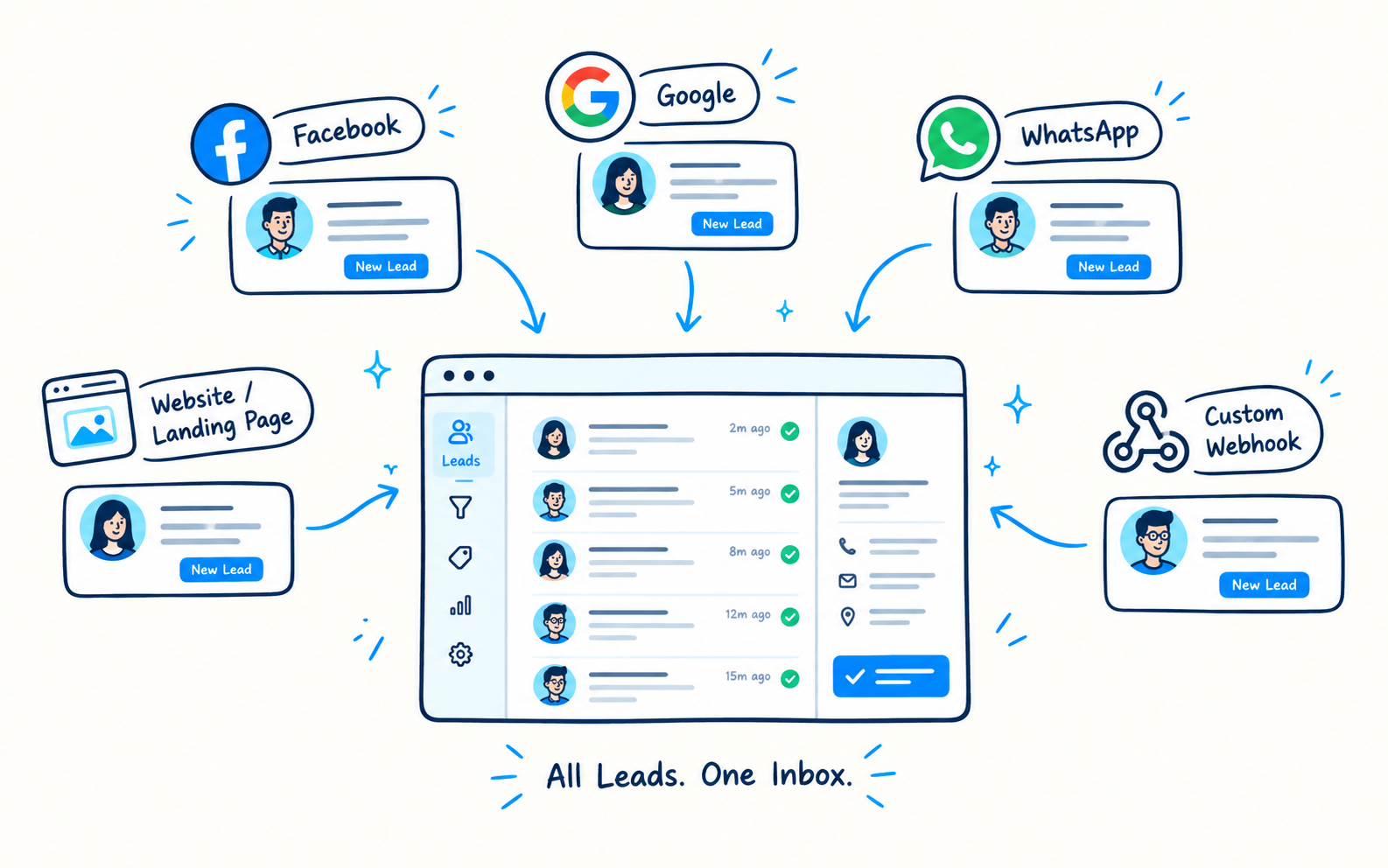
Enquiries from ads, forms, walk-ins, and referrals land in the same list. Counsellors can see the source, the owner, and the next step without checking another sheet.

  • Multi-channel enquiry capture
  • Auto assignment across counsellors
  • Follow-up reminders for admission deadlines
Admission pipeline for a coaching institute
Step 2

Collect fees without chasing spreadsheets

Fee instalments, payment reminders, and automated receipts are part of the same workflow. Reports show what has been collected and what is still pending.

  • Instalment tracking per student
  • Automated receipt generation
  • Payment and revenue reports
Fee instalment and receipt screen for a coaching institute
Step 3

Keep batches and attendance in order

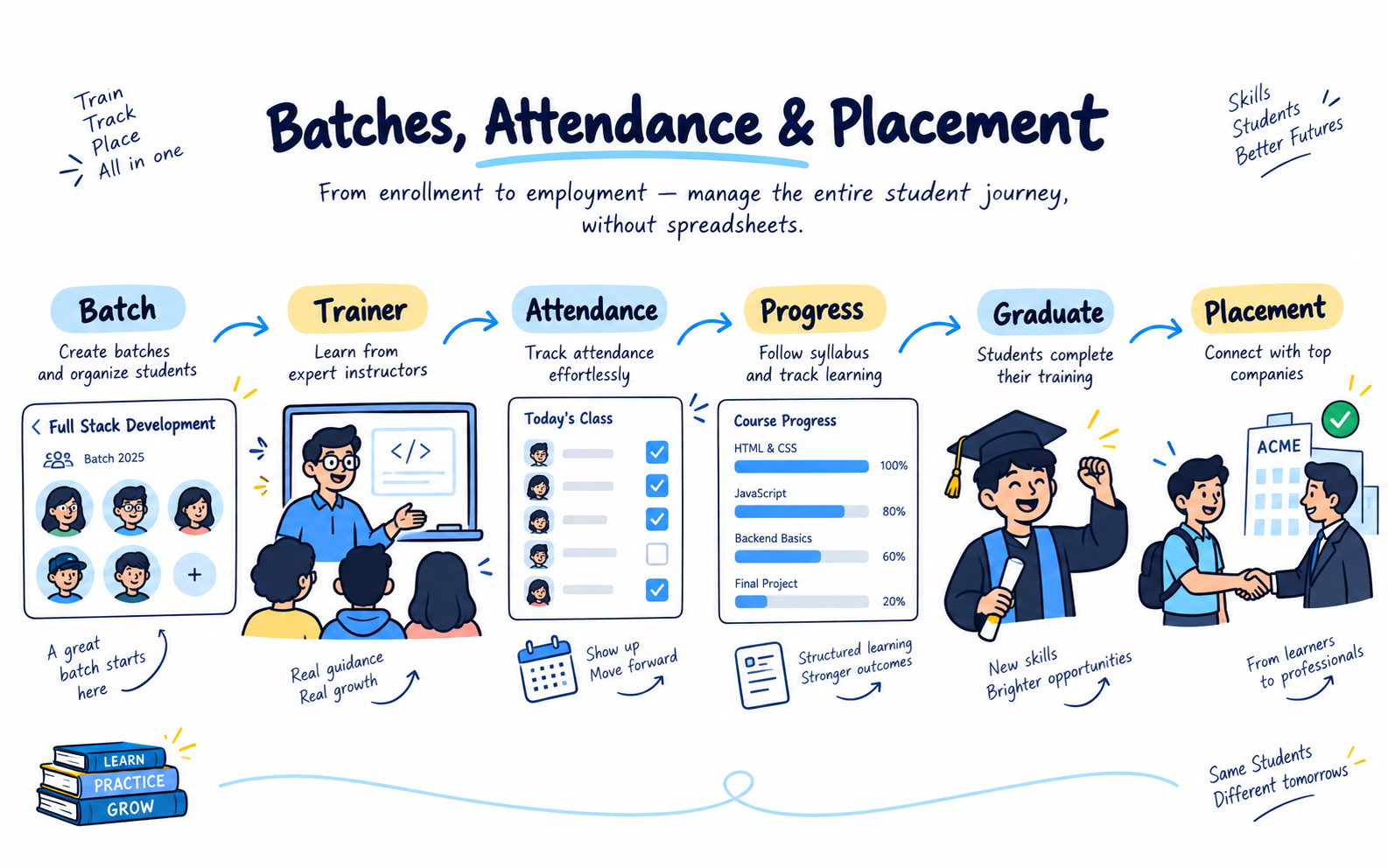
Batch management covers scheduling and trainer assignment, and attendance records sit with the batch. When a student moves, the change is visible in the same system.

  • Batch scheduling and trainer mapping
  • Student attendance tracking
  • Student progress after admission
Batch schedule and attendance screen

The workflow

How an enquiry moves through LeadStor

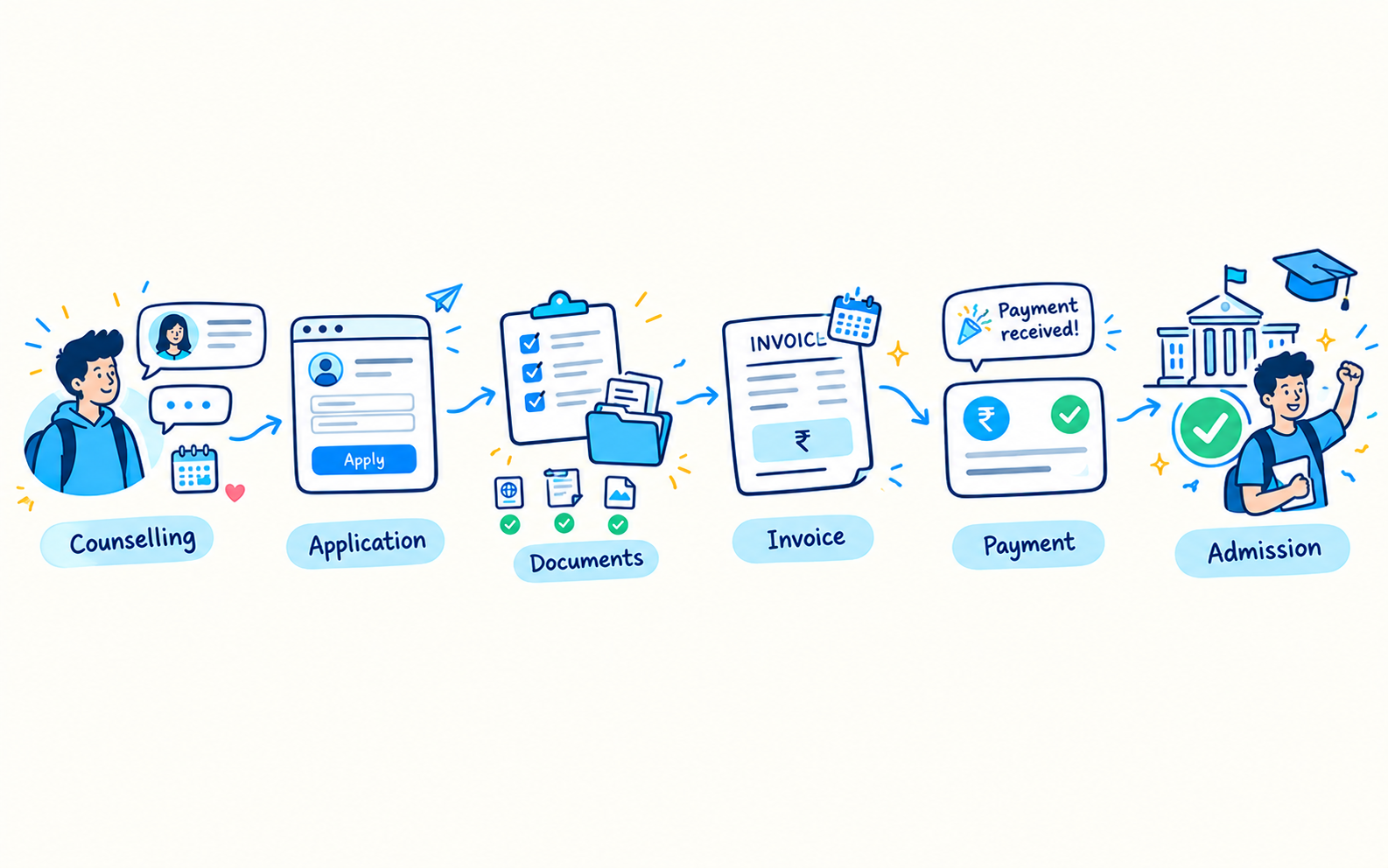
  1. 1

    Enquiry is logged

    The lead enters with its source and is assigned to a counsellor.

  2. 2

    Counselling and demo

    Follow-up reminders keep the admission conversation on schedule.

  3. 3

    Admission and fees

    The student is admitted, an instalment plan is set, and receipts are generated.

  4. 4

    Batch and progress

    The student joins a batch, attendance is recorded, and progress stays visible.

Outcomes

What changes for the team

One record instead of three

Admissions, fees, and academics work from the same student profile.

More consistent fee collection

Automated reminders and receipts reduce missed follow-ups.

Better batch visibility

Trainers and coordinators see the same schedule and attendance data.

Clearer management reporting

Enquiry, payment, and attendance data sit in one platform for review.

Common use cases

  • Coaching centres running multiple batches and timings
  • Institutes that collect fees in instalments
  • Academic coordinators managing trainer allocation
  • Owners who want enquiry and fee reporting side by side

A coaching institute needs more than lead capture. It also needs a way to move students from enquiry to admission, then into batches and fee workflows. LeadStor already shows features that fit that path.

Why this solution matters

Coaching centres often run on a mix of admissions, batches, and fee collection. If those steps are split across different tools, the staff spends more time updating records and less time helping students.

LeadStor supports lead management, payment management, batch management, and placement tracking. That makes it a strong fit for coaching operations.

What the CRM should support

  • Lead capture and auto assignment
  • Follow-up reminders
  • Fee and receipt workflows
  • Batch and attendance records
  • Student progress after admission

Short answer

For coaching institutes, the best CRM is one that follows the student journey after the first enquiry, not just before it.

FAQ

Coaching Institute CRM questions

Can LeadStor manage both admission enquiries and batch records?
Yes. Lead management, batch management, and attendance are all part of the platform, so an enquiry can continue into a batch record for the same student.
How are fee instalments handled?
The payment module tracks instalments, sends payment reminders, and generates receipts automatically, with payment and revenue reports available for review.
Can trainers see their own batch schedule?
Batch management includes scheduling and trainer assignment, and attendance records are kept with the batch so the schedule and attendance stay aligned.
Does the platform track students after they join a batch?
Student progress tracking is supported, so the record continues after admission instead of stopping at the first payment.

Connect admissions, fees, and batches in LeadStor

We will show you how one student record can carry an enquiry through admission, instalments, and batch attendance.